If you’re reading this, chances are your website has been hacked or you’re suddenly seeing:
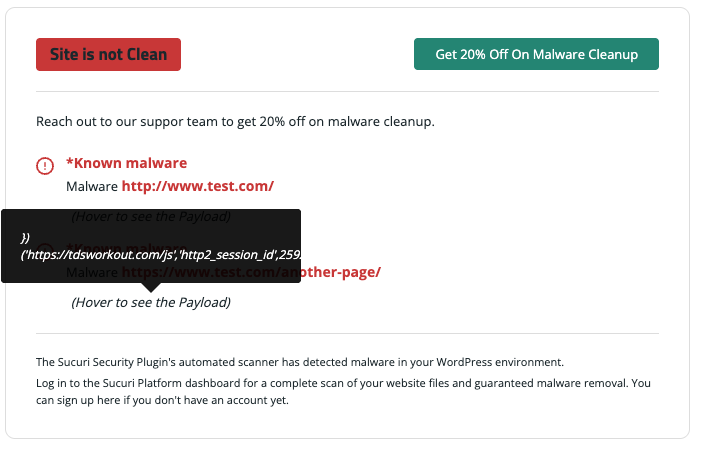
You’re not alone — 2025 continues to be the worst year for WordPress SEO hacks, especially with:
This guide explains exactly what a website owner can do, even without coding or server skills.
Hackers don’t target you, they target:
SEO spam hacks are the most common because hackers want:
This is why Google suddenly shows foreign pages or redirects.
Do one of these quickly:
This stops the hacker from continuing damage.
Change passwords for:
Use MFA (2-step authentication) everywhere.
Go to:
Users → All Users → Sort by Administrator
Delete anything suspicious.
Most owners miss this part.
Hackers sometimes add themselves to your Google Search Console to:
Go to Indexing → Sitemaps
Delete:
Go to:
Indexing → Pages → View “Crawled — currently not indexed”
Look for:
These are hacked pages.
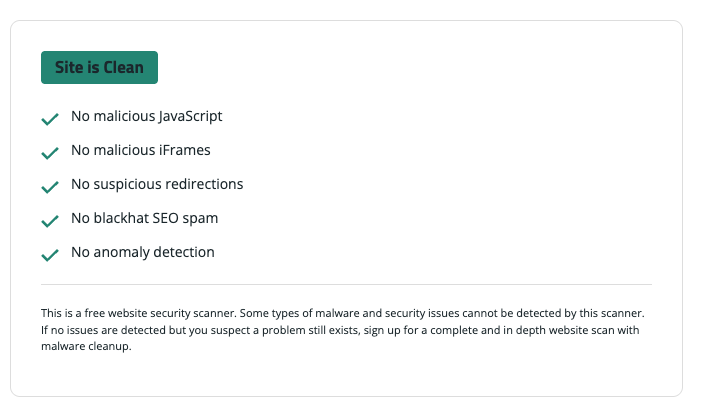
Use at least two of these free scanners:
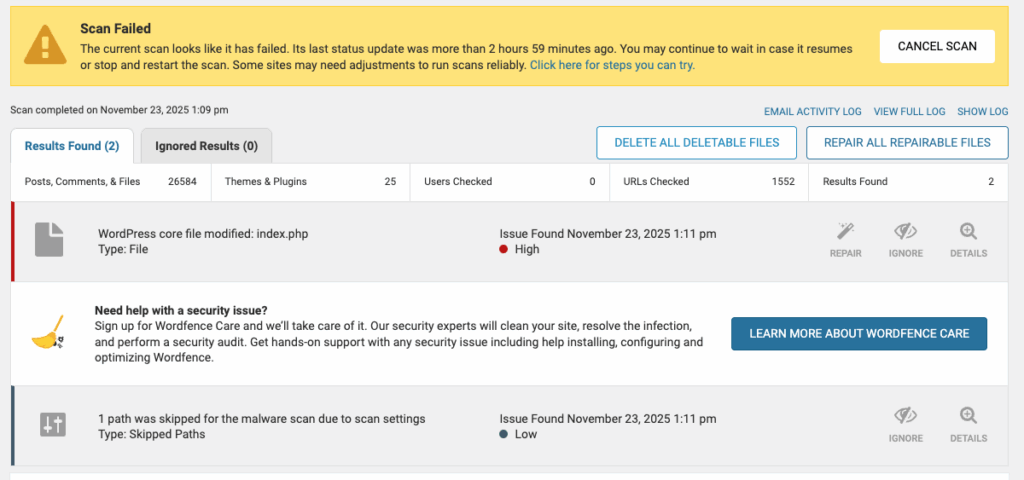
If they detect malware, you will see:
If you have:
Restore the latest clean version.
The best cleaning plugins for website owners:
Once your site is clean:
Google Search Console → URL Inspection → Request Indexing
Use:
Indexing → Removals
Add the bad URLs you found.
/sitemap.xml
/wp-sitemap.xml
Update:
Most hacks come from plugins you don’t use.
Use:
Bad hosting = guaranteed hacks.
Choose:
Stops brute force attacks.
Common signs include redirects to spam websites, new admin accounts you didn’t create, unknown files in wp-content/uploads, Japanese/foreign text pages, and sudden drops in Google traffic.
This is an SEO spam hack where attackers inject hidden pages to hijack your rankings. These pages often live inside /uploads/ or use fake sitemaps to trick Google.
Go to:
Search Console → Settings → Users & Permissions
Remove any unknown users and make sure you are the ONLY verified owner.
Yes. Google may deindex your pages or rank you lower if it detects spam, malware, or redirect hacks. Cleaning the site quickly helps prevent long-term damage.
Change all passwords, remove suspicious admins, put the site in maintenance mode, and scan with Wordfence or Sucuri.
Not always. Many hacks can be cleaned by removing infected files, repairing core files, and restoring clean backups. Reinstallation is recommended only when the infection is severe.
Because outdated plugins, weak passwords, and cheap hosting environments give them easy access. They usually don’t target you — they target thousands of vulnerable sites at once.
Use the “Removals” tool in Search Console and then fix the site. Removing URLs without fixing the hack will not solve the issue.
Enable two-factor authentication, keep everything updated, delete unused plugins, switch to better hosting, activate Cloudflare WAF, and keep daily off-site backups.
If you’ve already been hacked multiple times, or Google still shows spam after cleanup, a professional can remove deep infections that automated tools may miss.
If you’ve been hacked repeatedly, you may need a professionally supervised cleanup and long-term security setup.
Ali Khansari @webconsultant247
WordPress Security • Malware Cleanup • SEO Damage Repair